

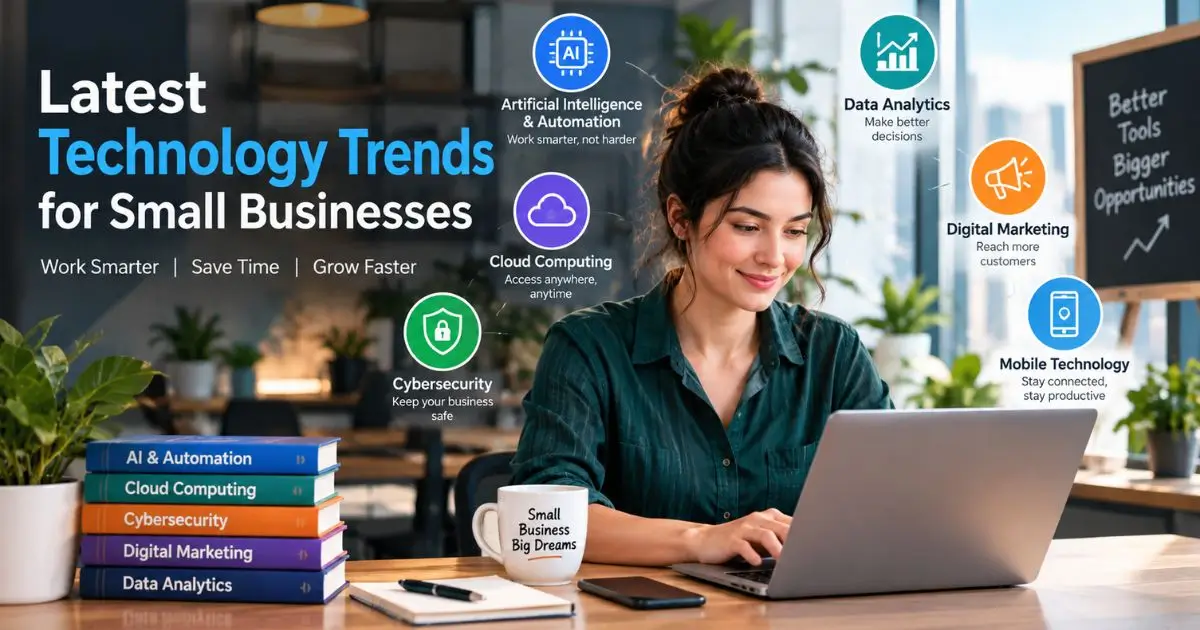
Latest Technology Trends for Small Businesses in 2026
Running a small business is hard enough without falling behind on technology. You already juggle payroll, customer service, marketing, and a hundred other things every week. The last thing you need is to waste money on tools that sound impressive but do nothing for your bottom line.
At the same time, ignoring new technology is risky. Your competitors are adopting smarter systems. Customer expectations keep rising. And the cost of a data breach or manual error can be devastating for a company with tight margins.
The good news? You do not need an IT department or a six-figure budget to stay current. Many of the most powerful tools available today are affordable, easy to set up, and built specifically for teams of 2 to 50 people.
In this guide, we will walk through the latest technology trends for small businesses that actually matter right now. You will learn what each trend does, who it helps, and whether it is worth your time this year.
Quick definition: The latest technology trends for small businesses refer to the newest software, hardware, and digital strategies — such as AI automation, cloud platforms, and advanced cybersecurity — that help small companies operate more efficiently, serve customers better, and compete with larger rivals in 2025.
Quick Summary
The biggest tech shifts for small businesses in 2025 are AI-powered automation, cloud-based SaaS tools, stronger cybersecurity practices, digital payment systems, and simple data analytics. You do not need to adopt all of them at once. Start with the one that solves your most expensive or time-consuming problem.
1. AI and Automation: The Biggest Shift Happening Right Now
Artificial intelligence is no longer a buzzword reserved for tech giants. In 2025, affordable AI tools are everywhere, and they are genuinely useful for small operations.
Here is what this looks like in practice. A local dental office in Austin, Texas, started using an AI chatbot on its website to handle appointment scheduling and insurance questions after hours. The owner reported saving roughly 10 hours of front-desk work per week within the first two months. The tool costs about $50 per month.
That is the kind of return that matters when you are a small team.
Where AI helps most right now:
- Customer support: AI chatbots and email responders can handle common questions 24/7 so your team focuses on complex issues.
- Content and marketing: Tools like AI writing assistants help you draft social posts, product descriptions, and email campaigns in minutes instead of hours.
- Bookkeeping and admin: AI-powered accounting software can categorize expenses, flag unusual transactions, and even draft invoices automatically.
Honest pros and cons: AI tools are fast and cheap, but they are not perfect. Chatbots sometimes give wrong answers. AI-generated content still needs a human review. The key is to use AI as an assistant, not a replacement.
Typical cost: $20–$150 per month depending on the tool and usage level.
2. Cloud Computing and SaaS Platforms
If you are still running your business off a single desktop computer and a USB drive, this section is for you.
Cloud computing simply means storing your files and running your software over the internet instead of on a physical machine in your office. SaaS (Software as a Service) is the subscription model that makes this possible — you pay a monthly fee and access tools like QuickBooks, Slack, or Shopify from any device.
The latest technology trends for small businesses in this space focus on all-in-one platforms. Instead of buying five separate tools that do not talk to each other, many owners are moving to integrated suites. For example, platforms like HubSpot or Zoho bundle CRM, email marketing, project management, and invoicing into a single dashboard.
Why this matters:
- Your team can work from anywhere — the office, home, or a coffee shop.
- Your data is backed up automatically, so a laptop crash does not mean lost records.
- You scale up or down easily without buying new hardware.
Typical cost: $10–$100 per user per month for most popular SaaS tools.
3. Cybersecurity: No Longer Optional for Small Companies
There is a dangerous myth that hackers only target big corporations. The reality is the opposite. Small businesses are attacked frequently precisely because they tend to have weaker defenses.
According to the U.S. Small Business Administration, nearly half of all cyberattacks target small companies, and the average cost of a breach can reach $200,000 — a number that puts many small firms out of business entirely.
So what should you actually do? You do not need a full-time security team. Focus on these practical steps:
- Use a password manager like 1Password or Bitwarden so your team stops reusing “Password123” across every account.
- Turn on two-factor authentication (2FA) for email, banking, and any tool that holds customer data.
- Train your team on phishing emails. Most breaches start with someone clicking a bad link, not with a sophisticated hack.
- Back up your data to a secure cloud service at least weekly.
These steps cost very little but dramatically reduce your risk. Cybersecurity is one of those areas where a small investment now prevents a catastrophic expense later.
Typical cost: $3–$10 per user per month for password managers and basic endpoint protection.
4. Digital Payments and Fintech Solutions
Cash is not dead, but it is shrinking fast. Customers expect to pay with a tap, a link, or a QR code — and if you make that hard, they will go somewhere else.
The latest technology trends for small businesses in the payments space include:
- Contactless card readers that connect to your phone (Square, Toast, Clover).
- Buy-now-pay-later (BNPL) integrations like Klarna or Afterpay, which let customers split purchases into installments while you get paid upfront.
- Automated invoicing that sends reminders and accepts payment directly through the invoice link.
A small home renovation contractor we spoke with added a “pay online” link to his invoices last year. He said his average payment collection time dropped from 28 days to 6 days. That kind of cash flow improvement can be the difference between making payroll comfortably and scrambling at the end of the month.
Typical cost: Transaction fees of 2.5%–3.5% per sale; most platforms have no monthly fee for basic plans.
5. Data Analytics Made Simple for Non-Technical Owners
You do not need to be a data scientist to use data well. Modern analytics tools are designed for regular business owners, and they can reveal patterns you would never spot by gut feeling alone.
For example, a simple dashboard connected to your point-of-sale system can show you that Tuesdays between 2–4 PM are your slowest hours. With that information, you might run a flash sale or adjust staffing to save on labor costs.
Tools to consider:
- Google Analytics 4 for website traffic (free).
- Shopify Analytics or Square Dashboard for sales trends (included with your plan).
- Looker Studio for combining multiple data sources into one visual report (free tier available).
The goal is not to drown in numbers. Pick two or three metrics that directly affect your revenue — like customer acquisition cost, repeat purchase rate, or average order value — and check them once a week.
6. Remote and Hybrid Work Technology
Even if your business is mostly in-person, chances are at least one team member works remotely some of the time. The technology that supports flexible work has matured significantly.
Beyond the obvious tools like Zoom and Slack, newer solutions focus on async collaboration — letting people contribute on their own schedules instead of sitting through endless live meetings. Tools like Loom (video messages), Notion (shared workspaces), and Calendly (scheduling) reduce meeting fatigue and keep projects moving.
If you manage a hybrid team, investing in clear communication tools is one of the highest-ROI moves you can make this year.
Quick Comparison: Which Trend Should You Prioritize?
| Trend | Best For | Setup Time | Monthly Cost Range |
|---|---|---|---|
| AI & Automation | Repetitive tasks, customer support | 1–2 weeks | $20–$150 |
| Cloud & SaaS | Remote access, team collaboration | 1–4 weeks | $10–$100/user |
| Cybersecurity | Every business with customer data | 1–3 days | $3–$10/user |
| Digital Payments | Retail, services, invoicing | 1–2 days | 2.5–3.5% per txn |
| Data Analytics | Understanding sales & traffic | 1–2 weeks | Free–$50 |
| Remote Work Tools | Hybrid or distributed teams | 1 week | Free–$20/user |
Start with the row that matches your biggest current pain point. You do not need to do everything at once.
Frequently Asked Questions
What is the most important technology trend for small businesses?
AI-powered automation helps small businesses save time, reduce costs, and improve customer service.
How much should a small business spend on technology?
Many businesses allocate around 3–5% of revenue to technology, but even small monthly investments can provide value.
Are AI tools safe for small business data?
Reputable AI providers offer security features, but sensitive data should only be used with trusted, business-grade tools.
Do I need to hire an IT person?
No. Most modern SaaS and AI tools are easy to set up. Complex needs can be handled by a managed IT service.
How often should I evaluate my business technology?
Review your technology at least once or twice a year to ensure your tools remain useful and cost-effective.
Conclusion
Keeping up with the latest technology trends for small businesses does not mean chasing every shiny new tool that appears on your social feed. It means identifying the one or two areas where your business loses the most time or money and finding a modern solution that fixes that specific problem.
AI automation, cloud platforms, stronger cybersecurity, smarter payments, and simple analytics are the five areas delivering the clearest results for small companies in 2025. Pick the one that hurts the most right now, test it for 90 days, and measure the difference before adding anything else.
Technology should make your life easier, not more complicated. Start small, stay practical, and let the results guide your next move.
If you found this guide helpful, bookmark it and share it with a fellow business owner who could use a clear tech roadmap this year. And if you want more practical breakdowns like this, explore our other guides on [building a small business tech stack] and [choosing the right CRM for your team].